Ableton
Articles about Ableton:
Ableton Live 8: Danny Lewis demonstrates how to achieve a glitchy, gated vocal effect.
Part of a Minimal Tech course.
via pointblankonline
Send to a Friend
|
Feed for this Entry |
Filed under: Electronic Instruments, MIDI Controllers, StrangeBen Brown plays his bizarre DIY monome guitar synth thing, aka the Guitarnome:
I’m playing the guitar I made from scratch, with a monome kit embedded in it. It was a long project… but fun.
Some parts are a bit out of tune(need to do some more guitar work) and Im still figuring out the setup(running 7up live on the monome). The audios pretty crappy on this recording unfortunately as my speaker setup was a bit janky… but hey! it was fun. Ran the vid through ScreenFlow for some super quick editing and export.
I’m using Ableton Live for my audio bits and a Presonus Firepod to process my voice and guitar signal. We kinda just did this spur of the moment so I didnt get the audio from Ableton.
The Guitarnome is not a traditional guitar synth, but rather a monome/guitar mashup.
The Guitarnome has a body made from cherry, wenge, and maple, a neck with a zebra wood fret board and a birds eye maple neck. Brown embedded a Monome within the body and custom built the encasing for all the electronics. The Guitarnome has USB & 1/4″ outputs.
How to Use a Subtractive Analog Synthesizer is a short section taken from a commercial video series on the principles of subtractive synthesis.
via metakinetics:
This is a brief sample of an extensive introductory video tutorial on the principles of subtractive synthesis. Knowing these principles is essential to creating the evolving sounds often heard in various forms of electronic music. This video tutorial uses the Logic ES1 and ES2 as example virtual instruments to demonstrate the principles. Topics covered include signal flow, waveforms, filters, envelopes and LFOs.
This is a great video to get you started with one of these instruments: LinPlug Albino, Native Instruments Massive, Native Instruments Pro-53, Propellerhead Reasons Subtractor, Ableton Live Operator, Ableton Live Analog, Moog Voyager, Dave Smith Evolver, Prophet 5, Alesis Andromeda, Access Virus, Nord Lead Waldorf Q, Alesis ION, Alesis MICRON, Logic ES1, Logic ES2.
Send to a Friend
|
Feed for this Entry |
Filed under: Controllerism, Electronic Instruments, MIDI Controllers, Software Synthesizers & Samplers
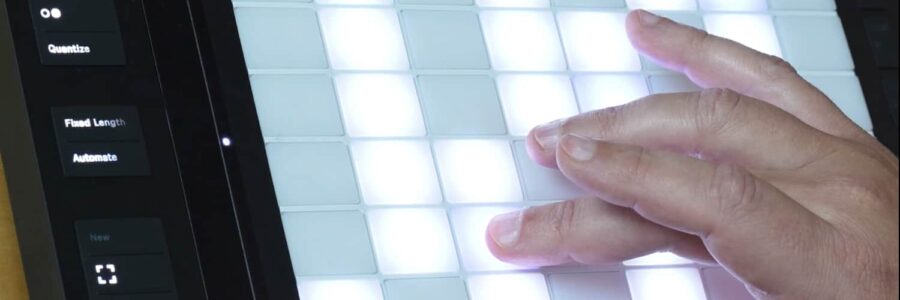
Marco Kuhn’s Play Box is a multi touch user interface, which, along with his Play Live software, can control Ableton Live.
Play Box Features:
- multi-touch and object interaction
- 22 ” TFT display , 1680 x 1050 pixel
- robust
- plug`n play

Play Live Features:
- GUI Elements support multitouch interaction
- you can control 32 tracks and 127 scenes, that are 4064 clips
- track controls mute, solo, record, send1, send2, pan, level
Kuhn hopes to build and sell Play Box & Play Live. No availability or pricing information has been announced.

Mixware Rapid Evolution is a free advanced harmonic music library tool for DJs, designed to be used while you mix.
Description:
Rapid Evolution helps profile your songs by saving important properties, such as the BPM, key, time signature, styles, comments, etc. You can then instantly see which songs are within BPM range, in key harmonically and in similar styles. More importantly, it lets you save comments and information about each individual mix you come up with.
Use it to enhance your knowledge of your music and remember the important details of what you do.
The software includes automatic BPM and key detection, as well as tools to determine this information yourself–a BPM tapper and a MIDI keyboard. It is designed for the power user, and offers extensive searching, filtering and browsing capabilities. You can create custom hierarchical styles to help organize your tunes. It also lets you share all song and mix information with other DJs.
If you are a software based DJ, you can take advantage of features like dragging and dropping the songs to play them. Otherwise the program can act as a reference or guide as you mix. If you don’t have a computer near your turntables, it is still useful for planning mix sets and finding compatible songs ahead of time.
See the Mixware site for details.
via KeyOfGrey