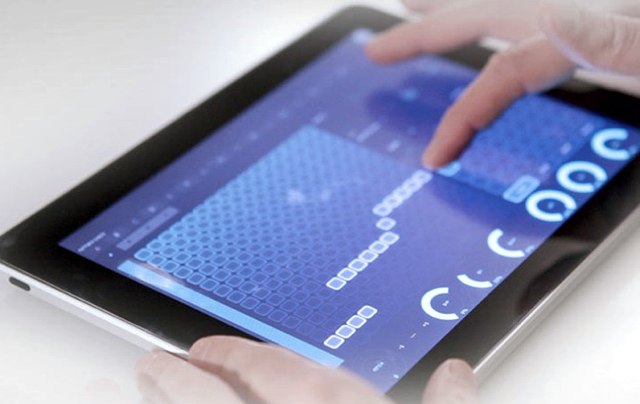
Lemur 4 Update Adds In-App Editing, Skins & More

lemur-4Liine today announced a major update to Lemur – its modular MIDI/OSC controller platform for iOS.

Lemur 4 add a fully-featured in-app template editor, so you can create new controllers directly on your iPad; and three new user interface skins.

Liine also today announced LiveControl 2, which they describe as ‘the ultimate Live controller’. LiveControl 2 will be a free download and is expected in early 2013.

Here are the details:

Continue reading

Beat Mangling With Buffre Beat Repeater Rack Extension + Lemur For iPad

YouTube Preview Image

This video, via PeffTV, captures some experimentation with the Liine Lemur iPad app with Buffre Beat Repeater Rack Extension for Propellerhead Reason.

This is a great demonstration of how developers can use the iPad to create custom multitouch control surfaces for VSTs and other music apps to increase their playability.

The Lemur template is available at Peff’s site (zip.

Liine Griid Update Adds CoreMIDI Support

Liine has released an updated version of Griid, its iPad control app for Ableton Live.

New in version 1.14.6:

  • CoreMIDI support (both wireless and wired)
  • Livid Code integration
  • Track and clip selection
  • Improved connection UI

Note: Griid is available in a regular and Pro version. Griid Pro is the version with all the bells and whistles.

Both versions are now available.

Liine + Livid Hybrid Control – The Ideal Ableton Live Controller?

Livid and Liine have teamed up to create a ‘unique Ableton Live control experience’, Hybrid Control.

Griid and Code can now be linked as a single ‘hybrid’ controller that brings together the tangible control of hardware MIDI controllers and the open-ended flexibility and multi-touch power of iPad MIDI control software.

Liine has previously built custom hybrid solutions for artists such as Orbital, Plastikman or Avril Lavigne’s keyboardist Steve Ferlazzo. Now, if you are a Griid and Livid Code owner, you can ‘experience the power of hybrid control’ yourself.

Here’s a demo of Hybrid Control in action:

Continue reading

Lemur For iPad Tutorial

YouTube Preview Image

This series of videos, via DubSpot instructor Evan Sutton. takes a look at using Lemur for the iPad and making new control surfaces using the Lemur Editor.

Lemur Tutorial Part One:

In part one, basic setup of the Lemur and Lemur Editor are explained. To start, an Ad-Hoc network is created. Once the iPad running Lemur software is connected, it will automatically update with the changes made in the editor. As far as objects go, we’ll start with the Fader and MultiBall. A great thing about the Lemur is its physics engine, which we can use with both objects.

After MIDI is set up, it’s time to take a look at the Lemur Daemon. The Lemur Daemon brokers internal MIDI connections between incoming Lemur control signals and other programs running on your computer, such as Ableton Live. Here, we set up the connection manually.

The original Lemur was a hardware unit, introduced back in 2004. But the Lemur platform has achieved new popularity with the introduction of Lemur for iPad by Liine. Using the Lemur Editor, you can create custom interfaces for the Lemur.

Continue reading