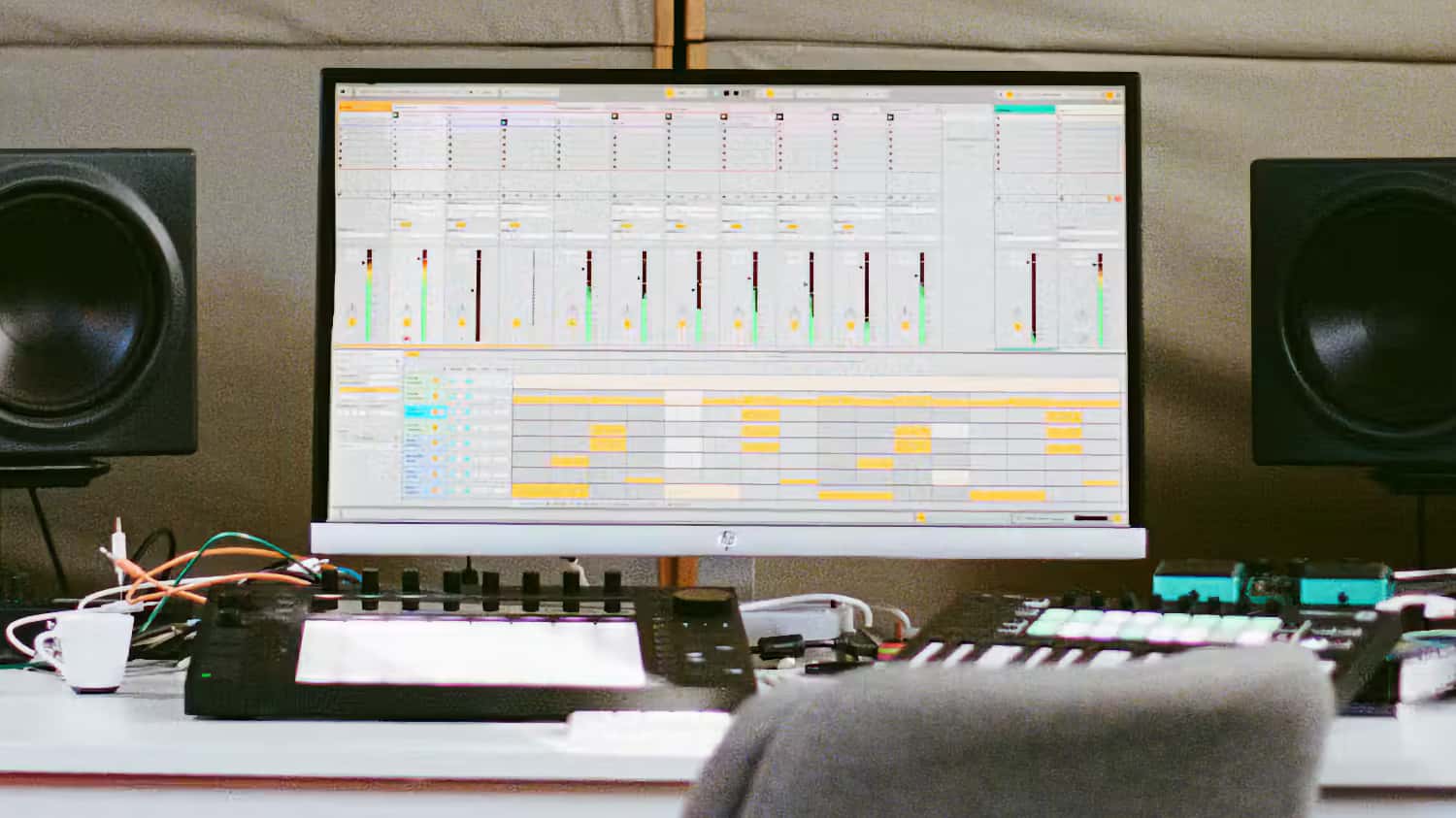
Ableton has announced Live 13, the next major version of its digital audio workstation, introducing a substantial collection of new tools for electronic music production, sound design, audio editing, mixing, and live performance.
The update focuses on expanding the creative possibilities of Live’s existing workflow. Among the key additions are a new Step Sequencer, ARA 2 support, a dedicated Drum Synth, Capture Automation, and expanded capabilities for Instrument and Audio Effect Racks.
Live 13 also introduces several new devices and effects, including Looplet, a four-playhead sample manipulation instrument, a Transient Shaper, and a Clipper. The mixer receives an updated interface with Device Slots, providing more direct access to track devices and effects.
The announcement also includes significant changes to Ableton’s Push 3 controller, with new Custom Layouts, a dedicated Step Sequencer interface, and a Performance Mixer designed to make the hardware more flexible as a standalone instrument and performance environment
New MIDI Sequencing And Automation Tools:
One of the most significant additions in Live 13 is a dedicated Step Sequencer. The new sequencing environment allows users to create MIDI patterns with independent row lengths and playback settings, making it possible to build polyrhythmic beats and evolving melodic patterns.
Individual steps can be edited for velocity, chance, repeat, and pitch bend. Independent sequence lengths and playback behavior allow different elements of a pattern to evolve without requiring multiple conventional MIDI clips.
Another addition is Capture Automation, which extends Live’s existing Capture functionality. Users can experiment with synthesizer controls, effects, and mixer parameters without recording, then retrieve those movements as editable automation by pressing Capture. MIDI notes and automation can also be captured simultaneously.
Contextual Browsing provides another workflow improvement, allowing users to load devices, replace presets, and build Instrument Racks or effects chains directly from the device chain or mixer, without having to return to the main Browser.
Live 13 also introduces Envelope Clips for Return tracks, allowing users to automate or modulate effects and mixer settings using clips.
New Instruments And Sound Design Tools:
Live 13 introduces Drum Synth, a dedicated instrument for creating percussion sounds using more than 20 synthesis engines. Rather than relying exclusively on sampled drum sounds, users can generate and shape percussion at the source using a collection of synthesis models and associated controls.
Looplet is another new sound-design device, included with Live 13 Suite. It uses four independent playheads to capture, layer, and loop different sections of a single audio sample. Its approach is intended for creating evolving textures, rhythmic variations, and experimental sample-based sounds, including tape-style playback effects, reverse playback, and granular-style manipulation.
The existing Rack system also receives a substantial update. Instrument, Audio Effect, and MIDI Effect Racks can now accommodate up to 32 Macro controls, twice the previous maximum of 16. Users can reorder Macros, configure individual mapping curves, and use Macro controls as modulation sources. Round Robin functionality also allows incoming notes to cycle through different Rack chains.
New Mixing And Audio Processing Tools:
Live 13 adds several tools aimed at more detailed control over dynamics, frequency content, and stereo imaging.
Multiband Racks split audio into separate frequency ranges for independent processing, including support for different filter types and linear-phase filtering. Mid-Side Racks provide separate processing paths for the center and sides of a stereo signal, allowing users to control stereo width and tonal balance independently.
Two new audio effects expand Live’s dynamics processing capabilities. Transient Shaper provides independent control over attack and sustain, allowing users to emphasize or soften transients and adjust the decay characteristics of sounds. Clipper provides hard and soft clipping modes for controlling signal peaks, increasing perceived loudness, or introducing harmonic distortion.
The mixer also receives Device Slots, which provide a direct overview of the devices on each track. Users can toggle, reorder, and replace devices, swap presets, and manage plug-in windows without having to navigate through individual tracks.
Other mixer changes include improved Send sliders, more flexible mixer configuration, and smoother resizing.
ARA 2 Support And Audio Editing:
Live 13 adds support for ARA 2, an extension format that allows compatible audio plug-ins to access audio directly within a digital audio workstation. This provides a more integrated workflow for pitch correction, timing adjustments, noise reduction, and other forms of audio editing.
Live 13 Suite will include Melodyne essential, providing integrated access to Celemony’s pitch and timing editing technology. ARA 2 support also allows users to work with other compatible plug-ins without relying on traditional real-time plug-in processing workflows.
The initial implementation is focused on Arrangement View, with ARA-enabled clips supporting editing and subsequent rendering of changes into audio.
Updated Core Library And Effects:
Ableton is also refreshing Live’s Core Library with new Drum Racks, instrument presets, audio samples, MIDI clips, and Audio Effect Racks. The new content includes production tools for vocals, guitars, bass, mixing, mastering, and sound design.
Live 13 Suite additionally includes the Classic Dynamics & EQ Pack by Softube, a collection of five Max for Live effects modeled on classic studio hardware. The pack includes FET and optical compressors, British console-style compression and equalization, and analog-style drive processing.
The new Looplet, Clipper, and Transient Shaper devices also expand the collection of tools available to Suite users.
Push 3 Gets A Major Update:
Live 13 is accompanied by a substantial software update for Ableton’s Push 3 controller, with several features intended to make the hardware more flexible as a standalone production instrument and performance interface.
Custom Layouts allow users to create personalized Push interfaces combining elements such as Session View, note-playing areas, XYZ controls, and mixer functions. Different layouts can be created for individual Live Sets, allowing the controller to adapt to different instruments and performance requirements.
The new Step Sequencer also receives a dedicated Push interface, including Expressive Step Editing. Users can adjust individual step parameters or manipulate multiple steps through gestures across the pad surface.
Push 3 also gains a Performance Mixer, allowing users to interact with mixer controls as part of a performance. Device Mode improvements include jog-wheel navigation through devices and nested Rack chains, along with access to expanded Macro controls.
Push 2 will receive support for the new Step Sequencer and most Device Mode improvements, although Custom Layouts, Performance Mixer, and Expressive Step Editing are exclusive to Push 3.
Features:
- New Step Sequencer for creating MIDI patterns, beats, melodies, and polyrhythms.
- Independent step-row lengths and playback settings for evolving sequences.
- Per-step velocity, chance, repeat, and pitch-bend controls.
- ARA 2 support for compatible audio editing plug-ins.
- Melodyne essential included with Live 13 Suite.
- Capture Automation for recording parameter movements and other control gestures as editable automation.
- Contextual Browsing for loading devices and swapping presets directly from device chains and the mixer.
- Drum Synth with more than 20 synthesis engines for creating percussion sounds.
- Looplet four-playhead sample manipulation and looping device.
- Up to 32 Macro controls in Instrument, Audio Effect, and MIDI Effect Racks.
- Customizable Macro mapping curves and Macro modulation capabilities.
- Round Robin functionality for cycling incoming notes through Rack chains.
- Envelope Clips for automating and modulating Return track effects and mixer settings.
- Multiband Racks for independent processing of different frequency ranges.
- Mid-Side Racks for separate processing of the center and sides of stereo signals.
- Transient Shaper for independent attack and sustain processing.
- Clipper with hard and soft clipping modes.
- Device Slots for managing track devices directly from the mixer.
- Updated Phaser-Flanger interface and additional mixer improvements.
- Updated Core Library with new Drum Racks, instrument presets, MIDI clips, audio samples, and effects presets.
- Classic Dynamics & EQ Pack by Softube included with Live 13 Suite.
- Push 3 Custom Layouts, Step Sequencer, Expressive Step Editing, and Performance Mixer.
- Push 2 support for the new Step Sequencer and most Device Mode improvements.
- Ableton Link Arrangement Sync for synchronizing playback positions across compatible devices and applications.
Pricing & Availability:
Ableton Live 13 is currently available as a public beta, with the full release planned for early 2027. The software will be offered in three editions: Intro ($99), Standard ($349), and Suite ($749).
